Address
105 WEST JACKSON ST, HYMERA, IN, 47855, US
Business hours
Monday-Friday
10am to 6pm
Saturday
9am to 2pm
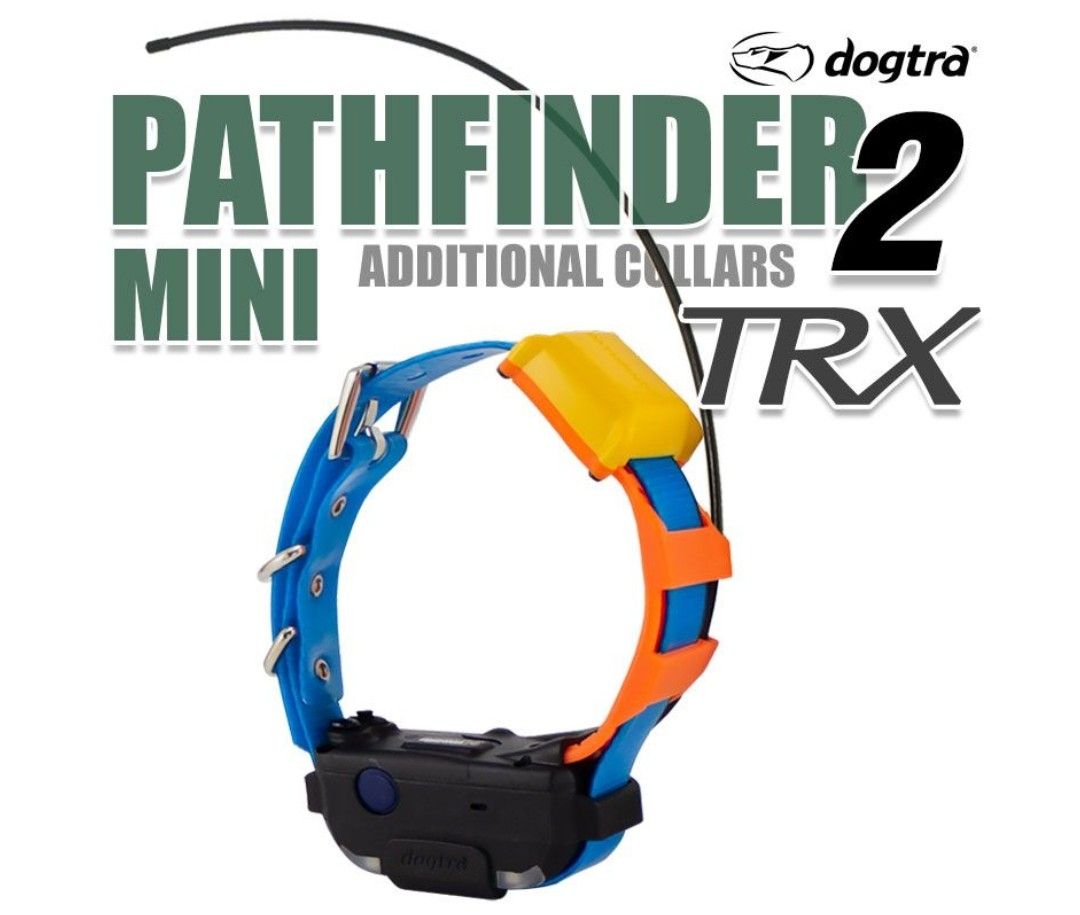
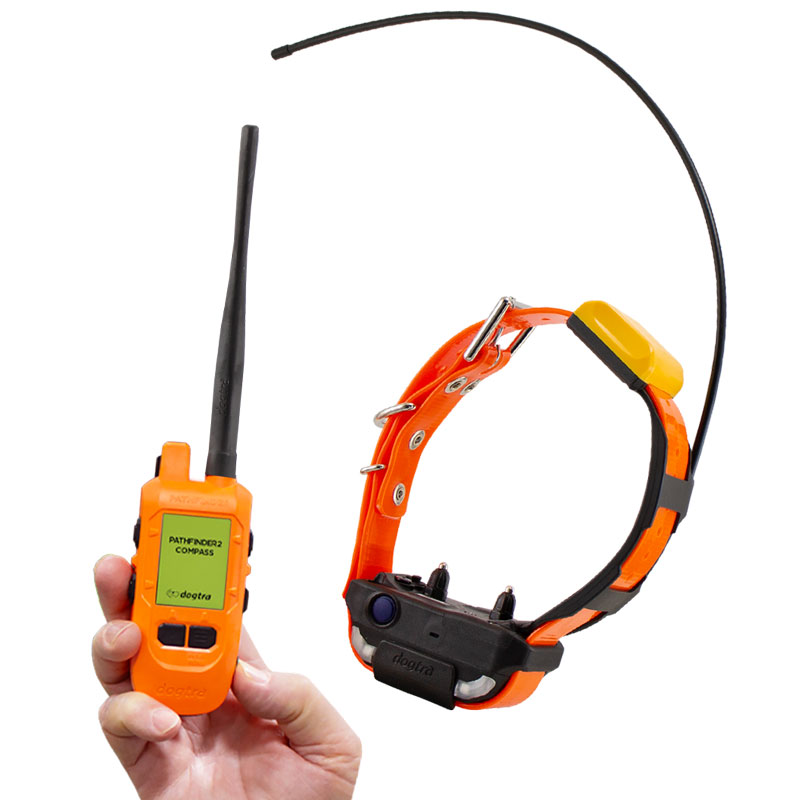
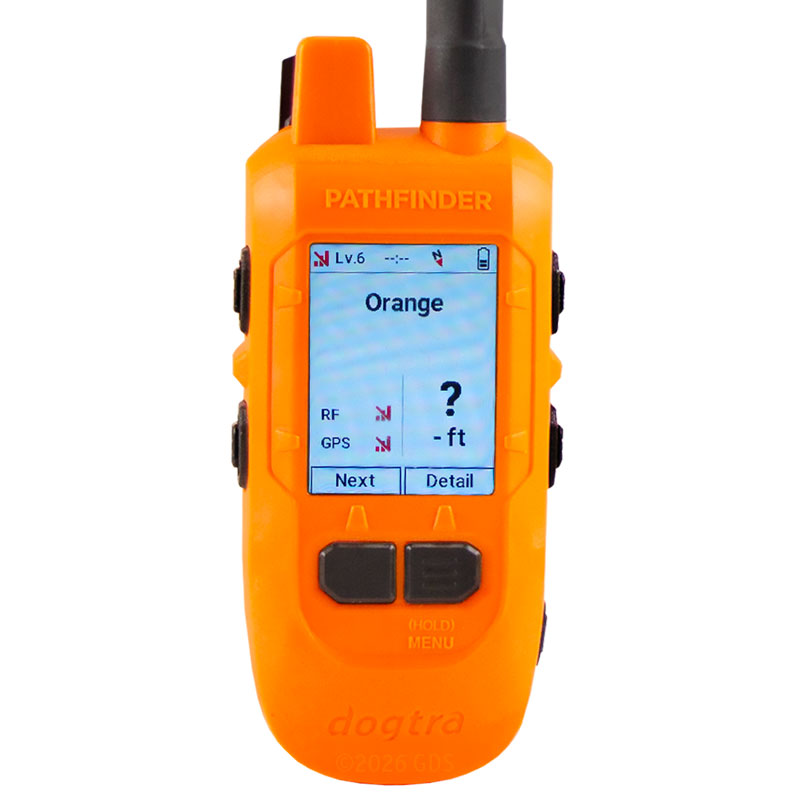
Dogtra Pathfinder 2 MINI TRX Additional Collar Features:
Not available to Canadian addresses. This product is approved for use in the US only.
Please read all steps before starting.
1. Start with the collar turned off.
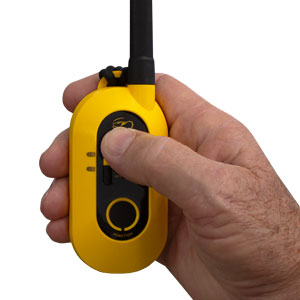
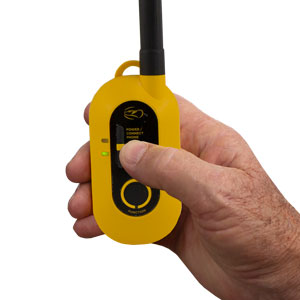
2. On the GPS connector, press the top button to turn the connector on.
3. Hold down the Connect GPS Receiver button until the LED blinks rapidly, then release the button.
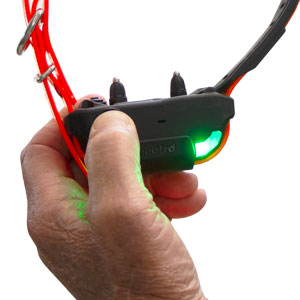
4. Hold down the on/off button on the receiver until the LED light begins to blink green rapidly and plays a melody to indicate the GPS receiver is in pairing mode.
5. Once paired, the receiver will emit three beeps to show it has coded.
Please read all steps before starting.
1. Turn on the Pathfinder2 GPS receiver and the Compass connector, and keep both devices close together.
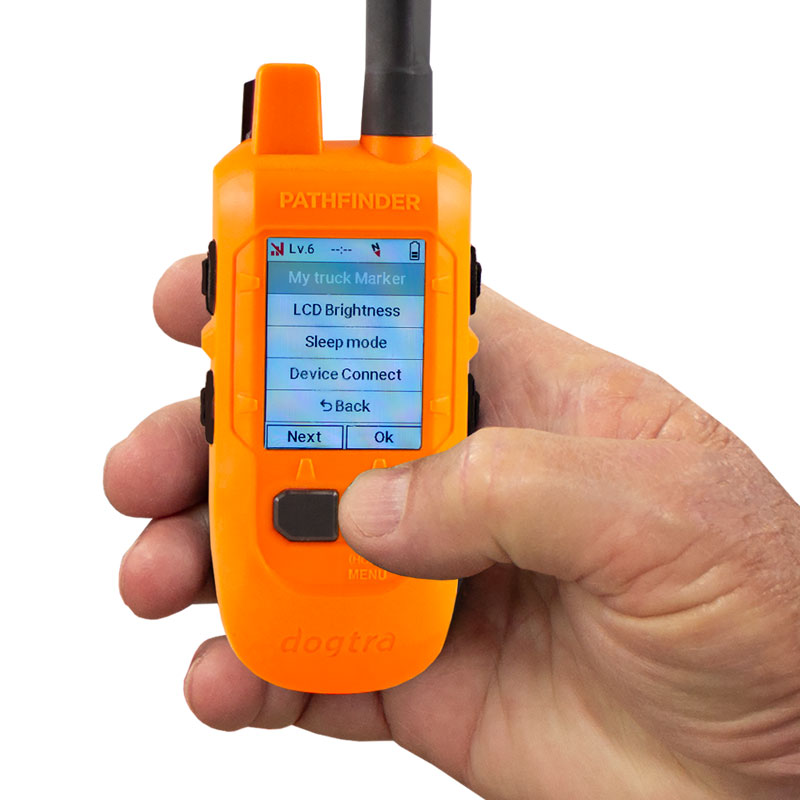
2. On the GPS connector, press and hold the Menu button
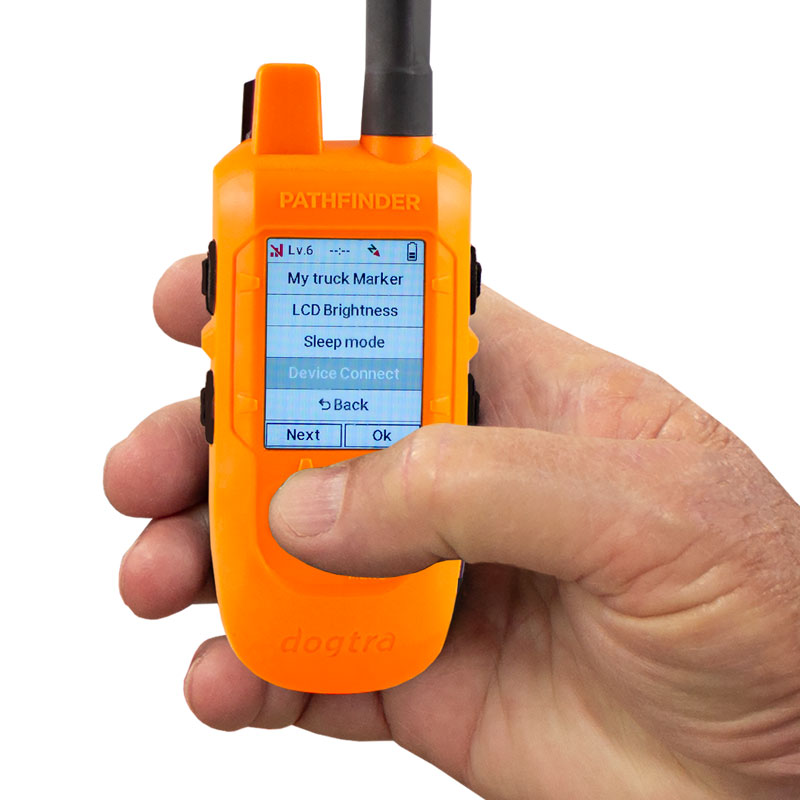
3. Use the Next button to navigate, then select Device Connect.
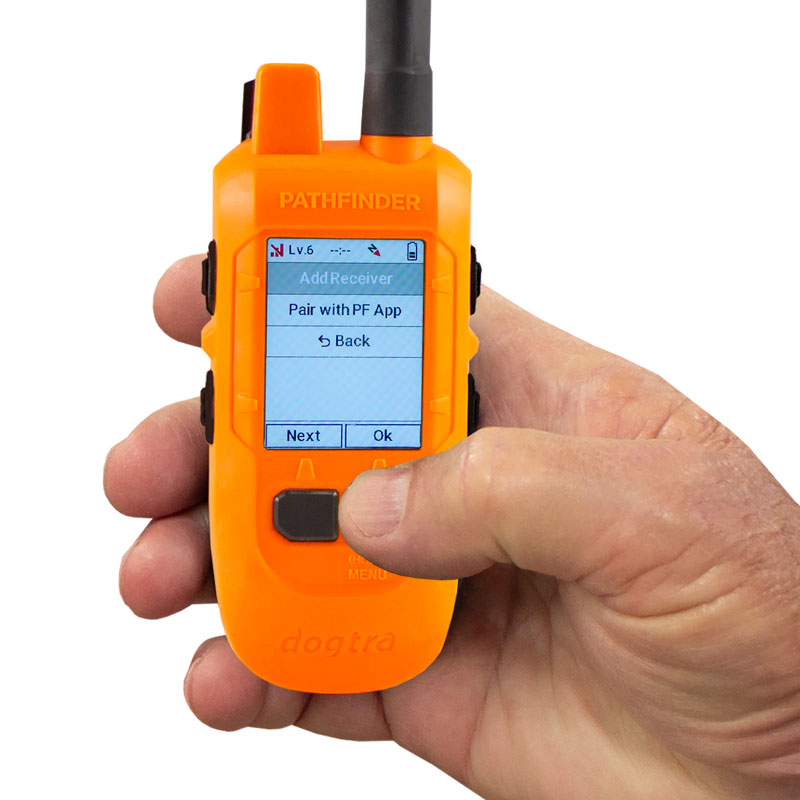
4. Select Add Receiver using the Menu/Select button to start pairing mode.
5. Press and hold the Power button on the Pathfinder2 GPS receiver until the LED begins blinking rapidly in green.
(If pairing does not start, bring the two devices closer together and try again. Ensure both batteries are fully charged.)
6. Once paired, the receiver will automatically appear in the device list on both the handheld and the PF2 App.
Dedicated to hound hunting, if I do not have it in stock I will find it and get it for you. We pride ourselves in our customer service before and after the sale as well as our competitive pricing.

Phillip Baldwin
Owner
Business originally started in 2018 out of my detached garage. We have grown into a store front on the Highway in Hymera, IN. We also travel to dog hunting events with our 28 foot shop trailer selling hunting dog related supplies.
Business hours
Monday-Friday
10am to 6pm
Saturday
9am to 2pm